
How to Reduce Developer Turnover: 9 Signs and 7 Actions
Learn how to reduce developer turnover with 9 warning signs and practical steps to improve workload, recognition, career growth, and manager support.
October 20, 2026
Learn how employee attrition prediction software works and compare 8 buying criteria, from data quality and accuracy to privacy and retention workflows.
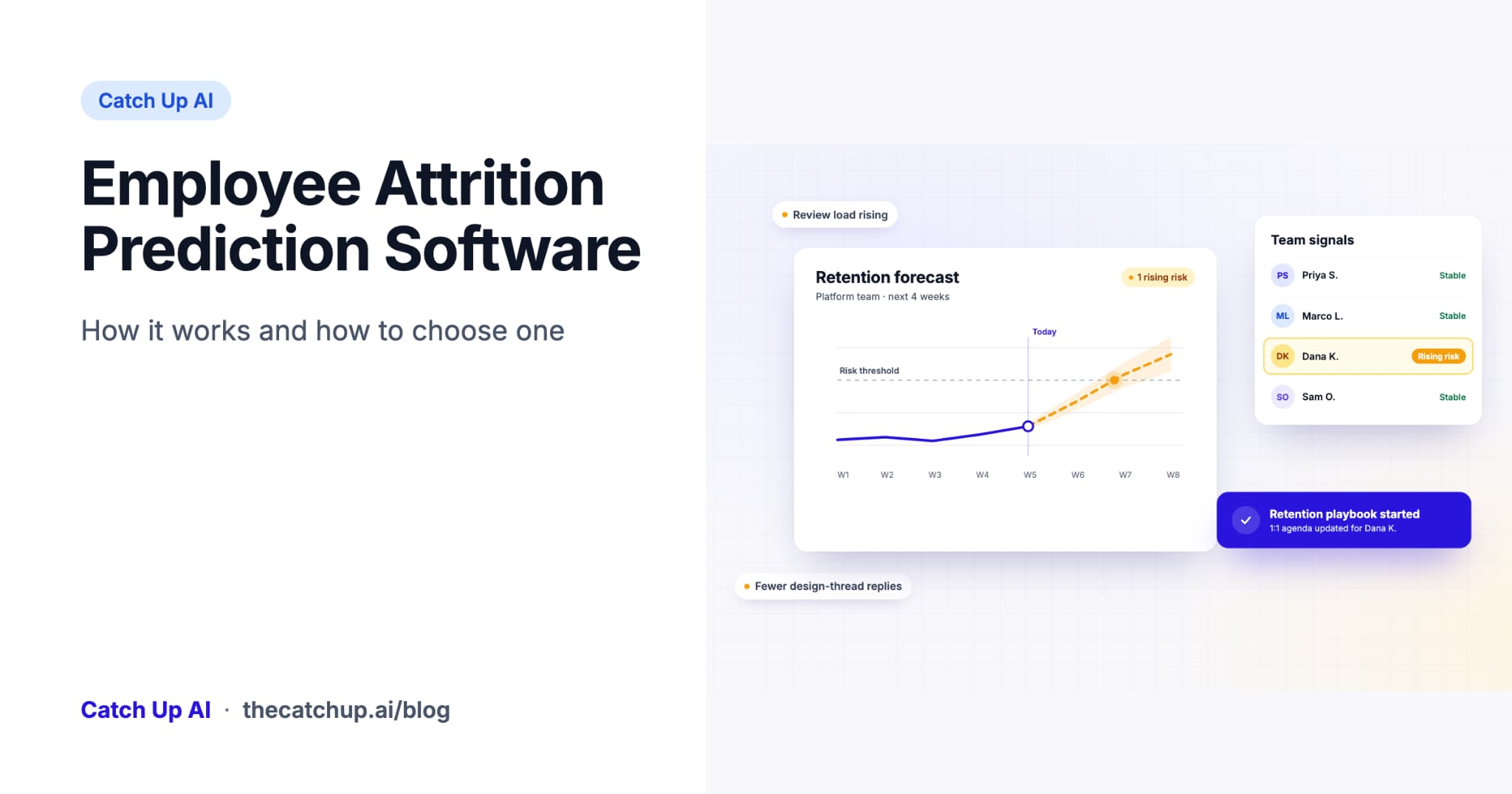
Employee attrition prediction software estimates which employees or teams may be at elevated risk of leaving by analyzing patterns in HR records, survey responses, and signals from everyday work. Useful tools explain what changed and help managers choose an appropriate retention response.
Catch Up AI connects workplace signals with manager workflows, helping leaders turn risk indicators into informed conversations and follow-up. A prediction estimates risk; it does not establish that someone intends to resign.
Many companies measure attrition after it happens through monthly turnover rates, exit interview themes, and regrettable-loss counts. Those measures help leaders understand outcomes and evaluate longer-term trends.
Prediction adds another perspective: where might a retention concern need attention now? A sustained workload problem or an unresolved growth concern can prompt a manager to rebalance responsibilities, recognize overlooked work, or discuss career expectations before a resignation arrives.
The value comes from checking the concern and following through. A risk score alone does not show why someone may leave or which intervention would help them stay.
There are three broad approaches, distinguished mainly by the data they use. A product may combine more than one.
| Approach | Main inputs | Strength | Limitation |
|---|---|---|---|
| HRIS-based models | Tenure, compensation, promotion history, role changes, and manager changes | Provides structured employment context from existing records | May miss recent changes in working conditions when records are updated infrequently |
| Survey-based models | Engagement and pulse survey responses | Includes employees' direct accounts of their experience | Depends on participation, question design, and survey frequency |
| Work-signal models | Collaboration, workload, and contribution patterns from GitHub, Jira, Slack, and similar tools | Can surface changes between scheduled surveys or review cycles | Requires reliable integrations, role context, and clear privacy boundaries |
Combining sources can provide a fuller picture: HRIS data supplies employment context, surveys capture the employee's voice, and work signals show changes in daily work. More data does not automatically produce a better prediction; relevance, quality, and appropriate use matter.
Catch Up AI's Flight Risk Intelligence brings workplace signals into risk prioritization, why-flagged explanations, confidence information, and recommended manager actions. Confirm which connectors and data sources are available for your environment during evaluation.
It considers the person's own baseline. A quiet engineer should not be flagged simply for being quiet. A change in participation may deserve attention, but the interpretation needs to account for role changes, project phase, leave, workload, and the person's explanation.
It looks for patterns across relevant sources. One missed standup does not establish resignation risk. A combination of workload changes, collaboration friction, and concerns raised in a 1:1 provides more context for a conversation. The model still needs validation; several signals appearing together are not proof of intent.
It explains itself. Managers should be able to see which signals changed, over what period, and where the system has limited information. Explanations should help someone verify a concern rather than make a score look more certain than it is.
It supports a clear response. Useful workflows connect a concern with an owner, an appropriate conversation, and a follow-up date. Ask which steps are automated, which require approval, and how managers can correct an inaccurate interpretation.
When comparing employee retention platforms, evaluate the workflow and the evidence behind it as carefully as the dashboard.
Signal breadth and quality. Does the tool combine relevant work context, HR records, and employee feedback? Ask what happens when a connector is missing, data is incomplete, or a role has little visible activity in the connected tools.
Validated accuracy and lead time. Ask how far ahead of a departure the tool raises a flag and how that interval was measured. Request the evaluation population, prediction window, false-positive rate, and missed-departure rate. Results should come from data that was not used to train or tune the model, using only information that was available at prediction time.
Explainability. Can a manager see why someone was flagged, which inputs changed, and how much context is missing? Look for explanations that can be checked with the employee and corrected when necessary.
Action and follow-through. Does the software recommend a next step, prepare a conversation, or start an approved workflow? Check who owns the response and how agreed actions are revisited. Automation should support the manager's judgment and the employee's circumstances.
Fairness and role context. Does the approach account for different roles, work styles, leave, and uneven data coverage? Avoid treating raw activity as a complete measure of contribution or intent. Catch Up AI's MERIT Score provides contribution context, but a contribution profile is not itself evidence that an attrition model is fair or accurate.
Privacy and access controls. Establish exactly what is collected, whether message content is processed, who can see individual results, and how long data is retained. Compare the proposed setup with the vendor's privacy and security policy, the requested integration permissions, and your organization's requirements.
Fit with your existing systems. Confirm supported HRIS, performance, and workplace integrations, their permissions, and the setup effort. Ask for a demonstration of the connectors you need instead of assuming a named platform has a native integration.
Team specificity. Does the tool understand the teams you most need to support? For engineering, review how it handles code review, incidents, mentoring, maintenance, project changes, and work that does not appear in ticket or message counts.
People analytics platforms can provide an organization-wide view. Engineering teams also have work patterns that benefit from technical context: review queues, incident responsibilities, blocked tickets, and design decisions can help explain changes in workload and collaboration.
Those patterns need interpretation. Fewer review comments might reflect a different assignment, better documentation, or less work requiring review. It should prompt a question rather than an assumption that an engineer has disengaged.
AI-assisted development adds another consideration. When coding tools change how much code is proposed or how tasks are completed, historical activity baselines may become less comparable. Ask vendors how they distinguish changes in tooling and workflow from changes in an employee's experience.
For managers acting on a concern, reducing developer turnover also means addressing workload, compensation, autonomy, growth, and unresolved working conditions. Better measurement cannot substitute for those decisions.
Catch Up AI is the autonomous manager for AI-native engineering teams. Its platform connects workplace context with performance insights and manager workflows, including risk prioritization, review preparation, and recognition.
Flight Risk Intelligence adds confidence information, why-flagged explanations, and recommended actions so managers can investigate the concern and decide what support is appropriate. It is available as a standalone offering or as part of the broader platform.
During evaluation, confirm the integrations and workflows available in your deployment, which actions need human approval, and how results will be assessed. A risk indicator can help prioritize attention; it cannot guarantee that a resignation will be predicted or prevented.
It is software that estimates the risk of employees or teams leaving by analyzing HR data, survey responses, work signals, or a combination of these sources. The output should help leaders investigate possible concerns and choose a suitable retention response.
A flight risk prediction tool identifies patterns associated with a higher estimated likelihood of departure. Useful tools explain the signals behind a flag, describe the available context, and support a manager's follow-up without presenting the prediction as a certain outcome.
Accuracy depends on the data, workforce, prediction window, and evaluation method. Ask vendors for results on representative data, precision, recall, false positives, and useful lead time. A single accuracy percentage can be misleading when departures are uncommon: a model that predicts everyone will stay may still appear accurate overall.
People analytics covers workforce reporting and analysis broadly. Attrition prediction focuses on estimating future departure risk. An employee retention platform may also include the workflows needed to respond, such as manager check-ins and follow-up tracking.
Responsible use requires transparency, appropriate data access, checks for unfair outcomes, and opportunities to challenge an incorrect interpretation. Use risk information to improve working conditions and offer support. A score should not be the sole basis for an adverse decision about an employee.
Start with the signals available in your organization, the concerns managers need help understanding, and the response each workflow should support.
Continue reading more insights from CatchUp AI