
How to Measure Cycle Time per Workflow State in Azure DevOps
Learn how to measure Azure DevOps cycle time per workflow state, identify bottlenecks with cumulative flow, and find where delivery work actually waits.
September 24, 2026
Learn how performance management integrations connect Slack, Teams, Jira, GitHub, Zoom and HRIS data to fairer reviews, better coaching and timely manager action.
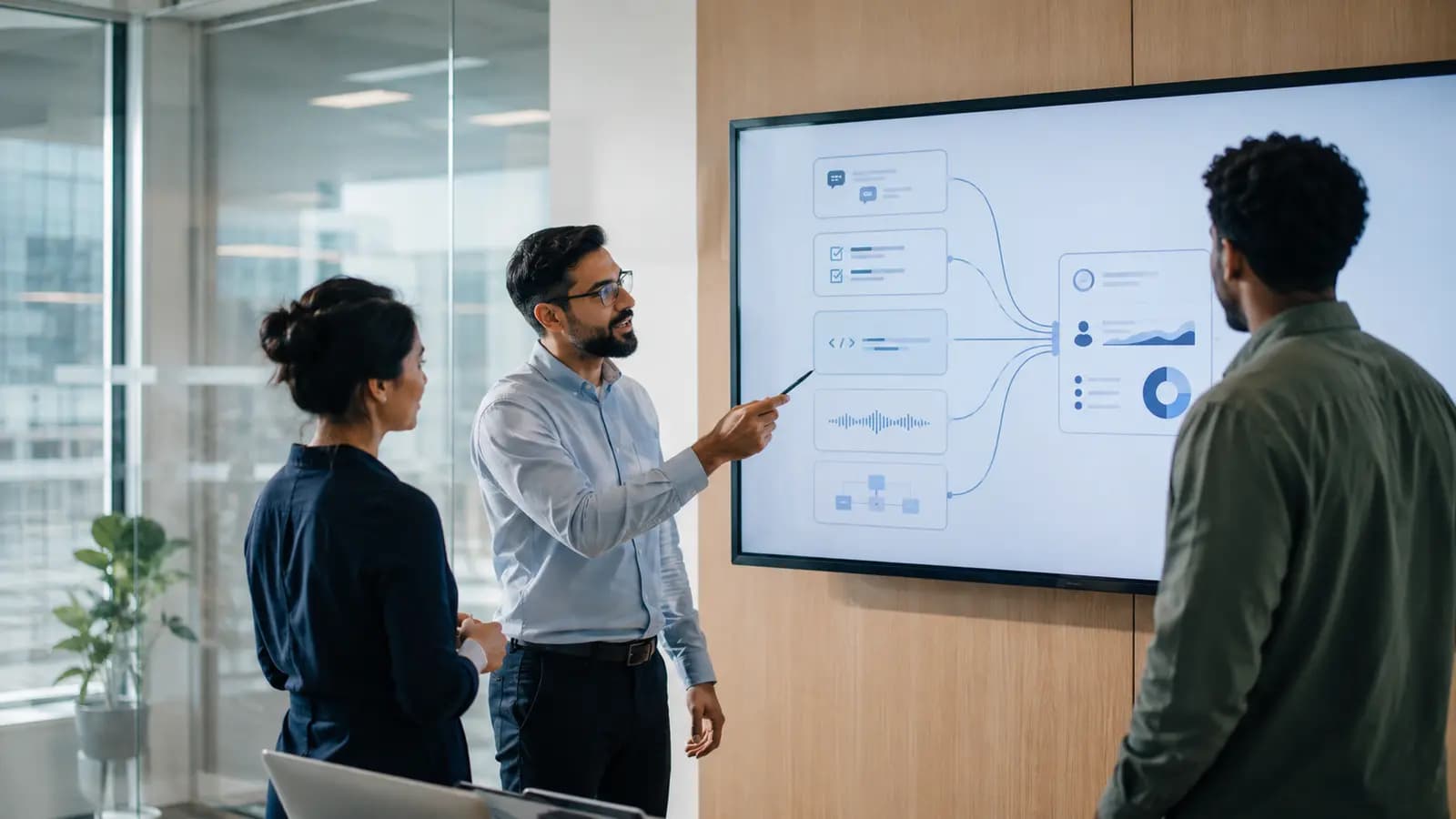
Performance management rarely fails for lack of data. Useful evidence is simply scattered: Slack and Teams hold collaboration, Jira and GitHub record delivery, Zoom contains decisions and blockers, and the HRIS explains roles and reporting lines.
Performance management integrations connect authorized workplace and HR data to reviews, feedback, coaching, goals, recognition, and manager follow-up. Their purpose is not to monitor activity, but to bring relevant context into the moments when a manager needs to make a fair decision or have a useful conversation.
Catch Up AI works as a performance intelligence layer across the tools people already use, helping managers move from fragmented work signals to explainable, human-reviewed action.
When a review opens, managers often remember the latest project and fill gaps with impressions. Integrations provide evidence between cycles: a milestone can prompt recognition, and a repeated blocker can become a 1:1 topic.
Connection alone is not intelligence. A weak integration moves notifications. A useful one preserves context, explains why a signal matters, and supports an appropriate next step.
Each system sees a different part of work. Treating one source as the whole truth creates misleading conclusions.
| System | Useful context | Legitimate manager use | What it cannot prove |
|---|---|---|---|
| Slack | Feedback, recognition, commitments, blockers | Prepare 1:1s and recover overlooked contributions | Productivity or intent from message volume |
| Microsoft Teams | Communication, meeting continuity, reminders | Keep feedback and coaching in the flow of work | Performance from presence or attendance |
| Jira | Ownership, progress, dependencies, blockers | Discuss priorities, workload, and support | Individual value from ticket count |
| GitHub | Pull requests, reviews, collaboration, knowledge sharing | Find concrete examples for engineering feedback | Quality from commits or lines of code |
| Zoom | Decisions, action items, recurring meeting themes | Preserve remote-work context and follow-up | Sentiment from speaking time or camera use |
| HRIS | Role, manager, tenure, leave, organizational change | Supply the organizational source of truth | Current performance or employee intent |
A Slack or Microsoft Teams performance management integration should reduce the distance between noticing and responding. People can receive reminders, request feedback, recognize a colleague, or complete a small action without adopting another daily destination.
The deeper benefit is continuity: project feedback should not disappear in a channel, and a 1:1 commitment should carry forward. Message counts, response speed, and presence are poor proxies for contribution. A responsible integration looks for context, not a leaderboard of visible activity.
Jira and GitHub make performance conversations more specific. Instead of saying someone “showed ownership,” a manager can refer to a difficult delivery, a dependency they unblocked, or a thoughtful code review.
Their numbers look objective, which makes them easy to misuse. Tickets, story points, pull requests, and commits vary with role and complexity. Treat them as evidence sources: AI can organize examples, but the manager decides what is relevant.
For distributed teams, important context often appears in meetings: a blocker is explained, a decision is made, or support is requested. A Zoom integration can preserve action items and recurring themes so follow-up is not lost.
It should not turn every conversation into an assessment. Speaking time, camera use, facial expression, and isolated phrases do not reliably indicate performance. Meeting data should serve a defined workflow, use clear permissions, and retain only what is necessary.
An HRIS performance management integration supplies the structure other tools lack: role, team, manager, tenure, leave, and organizational change. This prevents common errors such as comparing unlike roles or treating a planned transition as a concerning shift.
The HRIS should usually remain the source of truth for identity and reporting lines. Duplicate profiles, stale managers, and inconsistent email addresses can undermine every downstream insight.
The useful workflow is not “collect everything, then score people.” It is a controlled path from signal to context, human judgment, and follow-through.

Start with the decision you want to improve. Reviews may need goals, feedback, HRIS context, and selected delivery evidence. A 1:1 may need commitments, blockers, and recent recognition. More data is not automatically better.
AI can surface a sustained shift or missing follow-up across systems. A single event should rarely trigger a conclusion; timeframe, baseline, role, and team determine whether a change deserves attention.
Managers should see why an insight appeared, which sources contributed, and what uncertainty remains. If the signal cannot be explained, it cannot be validated responsibly.
The manager may know about a launch, leave period, role change, or complex assignment. The employee may add a perspective no system contains. Human review is where data becomes usable context.
The next step may be recognition, clearer priorities, coaching, support, or no action. The platform should make ownership visible without turning the interaction into surveillance.
This signal-to-action model is central to AI performance management software: the value is not another dashboard, but better action at the right moment.
Not all performance management software integrations are equally useful.
| Integration level | What it does | Main limitation |
|---|---|---|
| Notification | Sends reminders into Slack, Teams, or email | Improves visibility but still sends users elsewhere |
| Workflow | Enables feedback, goal updates, or check-ins inside existing tools | Reduces friction but may not connect evidence |
| Intelligence layer | Combines signals, explains context, recommends action, and tracks follow-up | Requires governance and human validation |
Ask vendors to show the exact workflow. Can a manager act inside Slack or Teams? Does Jira update a goal? Can the platform show the source behind an insight? “We integrate with it” is too vague.
Integrations gather evidence across the review period and reduce reliance on recent memory. Review Now AI turns available context into a structured draft while keeping the manager responsible for the final assessment.
A manager can arrive with commitments, wins, blockers, and open questions already organized, leaving more time for a specific conversation.
Meaningful work is often visible in a code review, project handoff, or difficult meeting before a formal review. Connected evidence makes recognition more timely.
Changes across work, feedback, manager connection, and HR context may justify a conversation. Flight Risk Intelligence prioritizes attention and explains possible drivers—it does not declare that someone will leave.
Before connecting a source, define the decision it supports and the minimum data required. Confirm who owns employee identity, which fields sync, update frequency, and whether the connection is read-only or bidirectional. Then set boundaries everyone can understand:
The strongest implementation is not the one with the most connectors. It is the one where every connection has a legitimate purpose.
They connect HR and workplace systems to reviews, goals, feedback, 1:1s, recognition, coaching, and follow-up. They may sync employee records, bring actions into Slack or Teams, connect project progress to goals, and provide evidence for manager conversations.
Start with the HRIS for accurate employee data, then add tools where work and feedback happen. For many knowledge-work teams, that means Slack or Teams, Jira, GitHub for engineering context, and Zoom for meeting continuity.
Yes, as contextual evidence—not an automatic rating. They can surface examples of ownership, delivery, collaboration, and support for others. Ticket, commit, or code volume should not be treated as a direct measure of employee value.
They should not be. Monitoring optimizes for observing activity. Responsible performance intelligence uses limited, authorized data for a defined workflow, explains why a signal appeared, and requires human validation.
No. Integrations reduce the work of finding evidence and remembering follow-up. Managers still interpret context, speak with employees, make decisions, and remain accountable for fairness.
The point of performance management integrations is not a more impressive dashboard. It is to make evidence easier to find, harder to misuse, and useful when a manager needs to act.
Slack, Teams, Jira, GitHub, Zoom, and the HRIS each hold an incomplete view. Connected carefully, they support fairer reviews, timely recognition, stronger coaching, and earlier attention to risk. The final judgment still belongs to a person who understands the work—and is willing to have the conversation.
Continue reading more insights from CatchUp AI